Drimuro - Google Slide Template
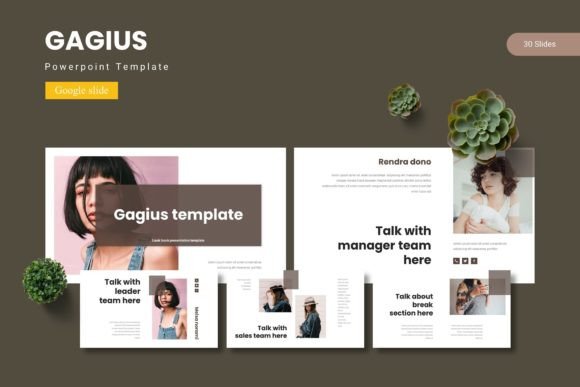
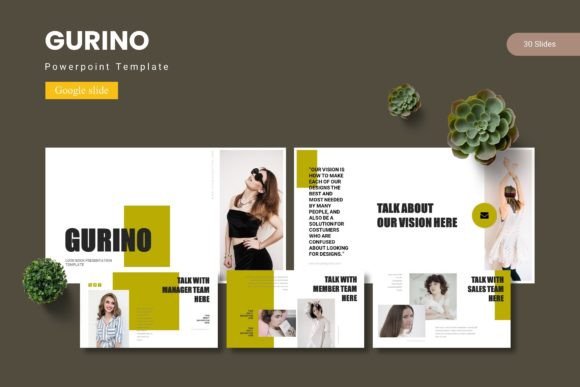
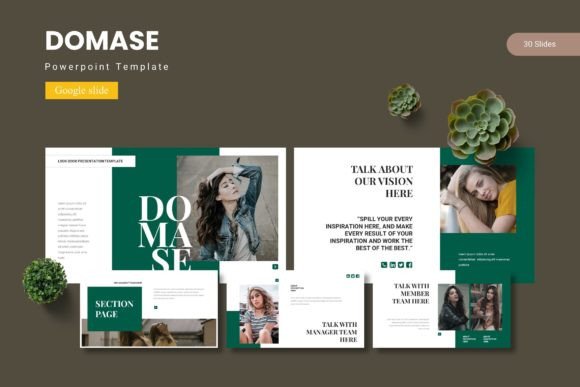
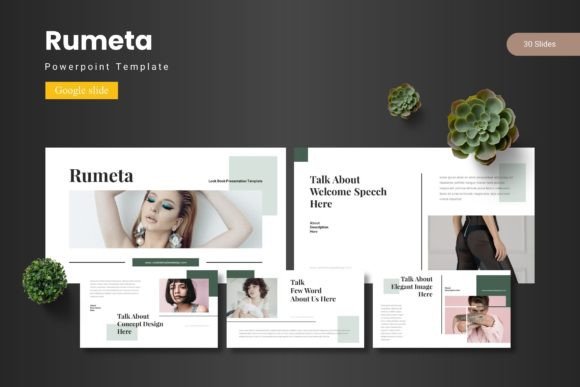
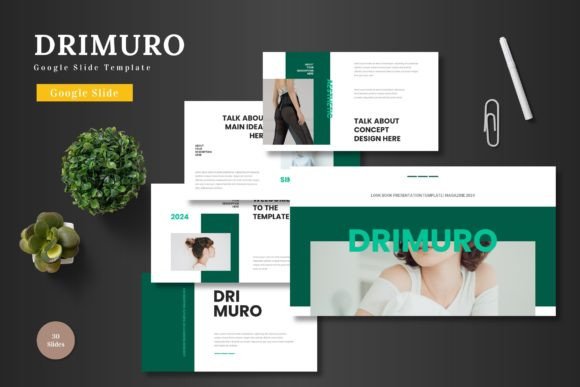
Finding the right visual foundation for a presentation can transform a simple pitch into a compelling story. The Drimuro - Google Slide Template offers a modern, scalable, and colorful solution designed to elevate your business, product promotion, or personal projects with a clean, professional aesthetic.
This template is built for versatility and ease of use. Its core strength lies in its comprehensive editability directly within Google Slides. You can input your content, replace images using intuitive placeholders, adjust colors, and leverage animated slides without needing any additional software. This seamless workflow ensures your focus remains on your message, not on technical hurdles.
A Foundation for Professional Design
Beyond its practicality, Drimuro provides a polished framework for visual storytelling. With over 150 total slides organized across five premade color schemes, it offers immense creative flexibility. The handcrafted infographics, pixel-perfect illustrations, and section break slides are all based on master slides, ensuring visual consistency throughout your deck. This attention to detail helps in building a strong brand identity and maintaining a cohesive narrative.
Consider how this template can serve various creative scenarios:
- Business & Pitch Decks: Create investor presentations or company overviews that look sharp and credible.
- E-commerce & Product Promotion: Showcase products with gallery and portfolio slides, using high-quality placeholders to make your offerings stand out.
- Marketing & Social Media: Design campaign reports or social media strategy decks with modern typography and clean layouts that reflect current design trends.
Integrating with Your Creative Workflow
When selecting a design asset like the Drimuro template, consider its role in your broader toolkit. While it’s a presentation template, its design principles—clean lines, balanced composition, and scalable graphics—complement other design assets you might use, such as a premium font for your logo or a specific color palette for your web design. Ensuring your presentation aligns with your other materials, like packaging design or social media graphics, strengthens overall brand recognition.
Practical tips for getting the most out of this asset:
- Test Color Schemes: Experiment with the five included color variations to find the one that best matches your project's mood or your existing brand colors.
- Utilize the Placeholders: Make full use of the drag-and-drop image placeholders to quickly personalize slides while maintaining the template’s professional grid and alignment.
- Review the Readme: Check the included Readme file for font and photo information to ensure any external assets you integrate are compatible and properly licensed.
Ultimately, a well-structured template like Drimuro does more than organize information; it enhances the perceived quality of your work. By providing a scalable, animated, and meticulously designed starting point, it allows you to present your ideas with clarity and visual appeal, helping your message resonate with its intended audience.