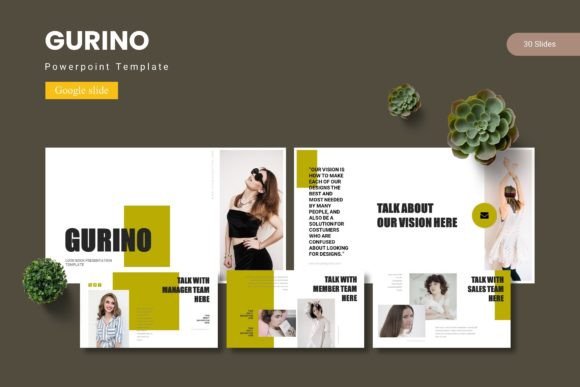
Gurino - Google Slide Template for Modern Design
Imagine transforming a standard presentation into a visually stunning narrative that captivates your audience from the first slide. With the Gurino - Google Slide Template, you gain access to a powerful design asset built for creators who value both aesthetics and functionality. This comprehensive template pack offers a polished foundation for anyone looking to convey ideas with clarity and professional flair, eliminating the need to start from a blank canvas.
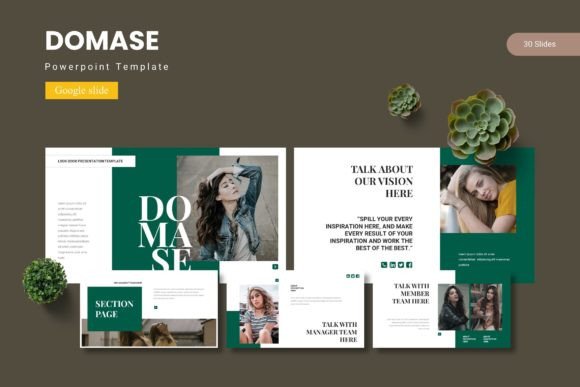
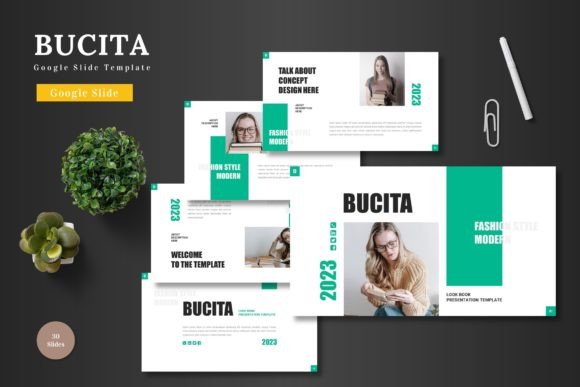
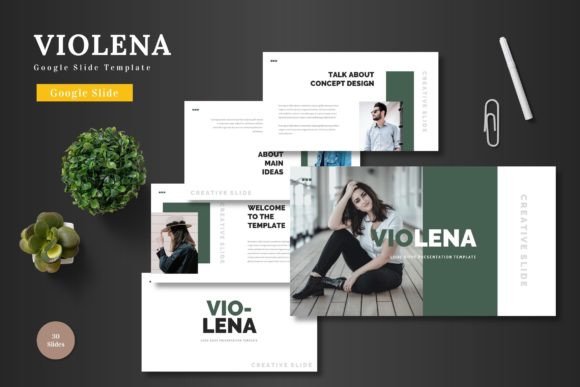
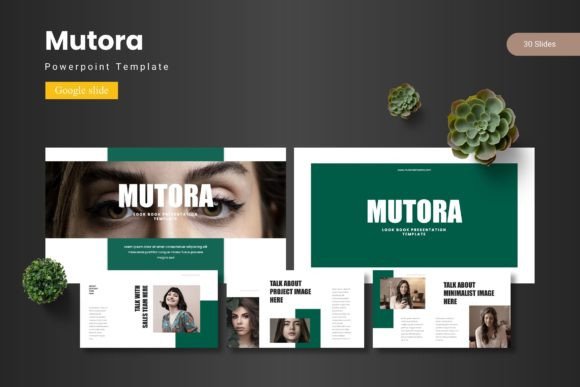
At its core, the Gurino template is designed for versatility. It includes over 150 total slides, organized across five premade color schemes. Each color variation provides 30 meticulously crafted slides, ensuring you have the right layout for every section of your presentation. The inclusion of section break slides helps structure your story logically, while handcrafted infographics and pixel-perfect illustrations allow you to present data and concepts in an engaging, easy-to-digest manner.
The practical benefits extend far beyond basic slide layouts. This template is built on master slides, which means making global changes to fonts, colors, or logos is efficient and consistent. Every graphic is fully resizable and editable, giving you complete creative control. The drag-and-drop picture placeholder feature simplifies the process of inserting your own images, and dedicated gallery and portfolio slides offer a perfect showcase for visual projects.
Who Benefits from Using This Template?
This type of resource is invaluable for a wide range of professionals and projects. Consider these common use cases where a premium template like Gurino shines:
- Business Professionals: Creating investor pitches, quarterly reports, or client proposals that require a sharp, corporate aesthetic.
- Marketers & Designers: Developing brand guidelines, campaign overviews, or social media strategy decks that need to maintain visual consistency.
- Educators & Speakers: Designing lecture slides, workshop materials, or keynote presentations that are both informative and visually appealing.
- Freelancers & Agencies: Building impressive portfolio presentations or project proposals that help win new business.
Tips for Integrating and Customizing Your Slides
To get the most out of a design asset like this, a thoughtful approach is key. Start by selecting the color scheme that best matches your brand identity or the mood of your topic. The five variations provided offer a great starting point for experimentation. Next, explore the master slides to understand the structure. This allows you to make efficient edits without disrupting the overall design integrity.
When adding your content, focus on readability. Use the provided text layouts as guides for hierarchy, ensuring headings, subheadings, and body text are clear. The built-in infographics are excellent for breaking down complex information; simply edit the data and labels to fit your narrative. Remember, the goal of using a template is not to be constrained by it, but to have a professional framework that elevates your own content and saves you significant time.
Choosing a well-designed template is an investment in your professional image. It ensures your ideas are presented with the visual polish they deserve, enhancing audience engagement and reinforcing your credibility. The right design foundation helps your message stand out, making your work more memorable and impactful.