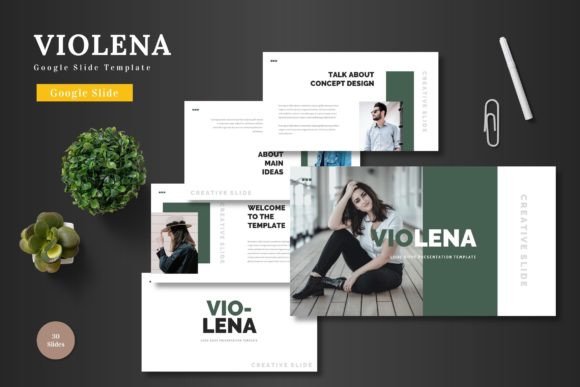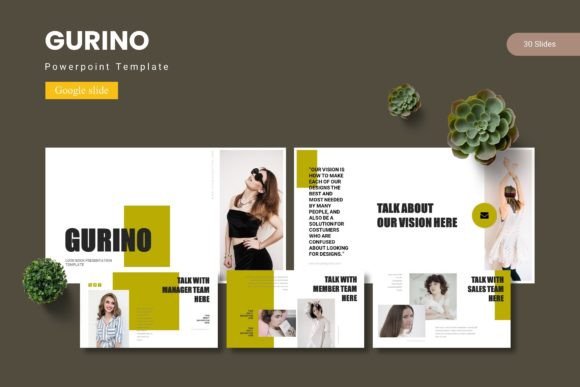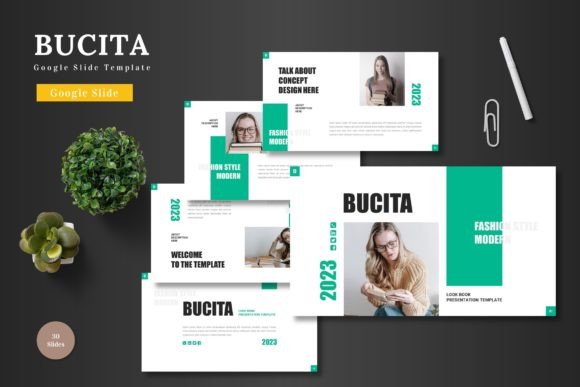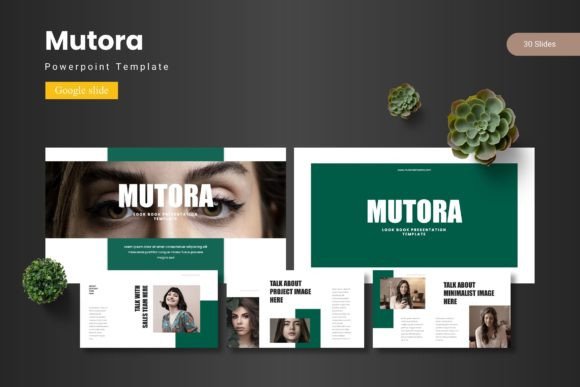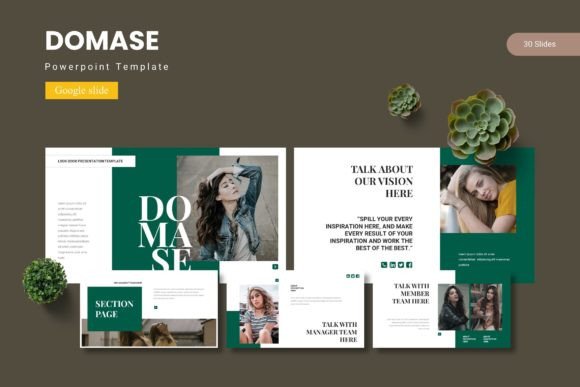
Domase - Google Slide Template: A Modern Design Solution
Imagine transforming a standard presentation into a visually stunning narrative that captivates your audience from the first slide. With the Domase - Google Slide Template, you can achieve exactly that, leveraging a comprehensive design system to convey your ideas with clarity and style.
This isn't just another set of slides. It's a carefully crafted toolkit designed for professionals, educators, and creatives who value both form and function. The template provides a robust foundation, allowing you to focus on your message while the design framework ensures everything looks polished and professional.
Key Features for Creative Flexibility
The true power of Domase lies in its extensive features, which offer remarkable versatility for any project. The package includes over 150 total slides, built upon five premade color schemes. This means you get 30 meticulously designed slides for each color variation, ensuring a cohesive look right from the start.
- Handcrafted Infographics and Illustrations: Every visual element, from charts to icons, is pixel-perfect and fully editable. You can resize graphics without losing quality, making them perfect for high-resolution displays.
- Intuitive Workflow: Based on master slides, the template allows for effortless global changes. The picture placeholder system with drag-and-drop functionality simplifies adding your own images, saving valuable time.
- Professional Layouts: Includes dedicated section break slides, gallery, and portfolio slides, making it ideal for showcasing work, presenting case studies, or creating impactful business reviews.
Practical Applications and Use Cases
Consider how this template can elevate various projects. For entrepreneurs, it's perfect for crafting investor pitches or product launch presentations that need to look premium. Marketers can use it to design compelling campaign reports or social media strategy decks. Educators and trainers will find the clean layouts excellent for developing engaging course materials and workshop content.
The design's modern typography and balanced composition also make it a strong asset for creating brand identity guidelines, project proposals, or even digital lookbooks. The consistent color schemes help maintain brand recognition across all your slides, reinforcing a professional image.
Tips for Choosing and Using Design Templates
When selecting a template like Domase, consider a few key factors. First, assess the readability of the font pairings used—ensure text is legible at various sizes. Next, match the template's overall mood and aesthetic to your project's goal. A sleek, corporate template might not suit a playful children's workshop, and vice versa.
Always test the font pairing possibilities within your own content. Does the headline typeface work with your body text? Review all available slide styles to see if they cover your needs, from title slides to data visualization. Finally, confirm the license aligns with your intended use, whether for personal, educational, or commercial purposes.
Investing in a high-quality, well-structured template like this one is an investment in your communication's effectiveness. It removes the guesswork from design, provides a professional backbone for your content, and ultimately helps your ideas resonate more powerfully with your audience. The right design assets don't just decorate; they clarify, persuade, and elevate.