Rumeta - Google Slide Template for Polished Presentations
Imagine transforming your next presentation from a simple slideshow into a visually compelling story. With Rumeta - Google Slide Template, you gain access to a versatile design asset built to help you communicate ideas with clarity and style. This premium template package is more than just a collection of slides; it's a toolkit for creating professional narratives that captivate your audience.
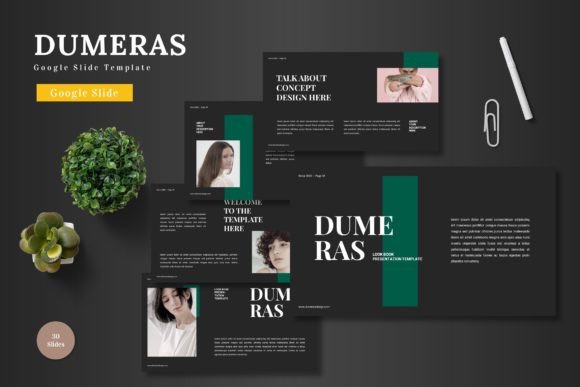
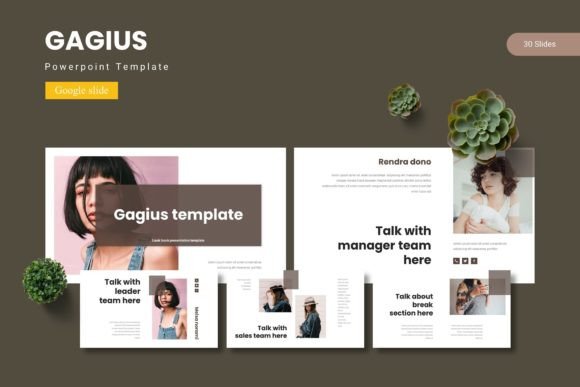
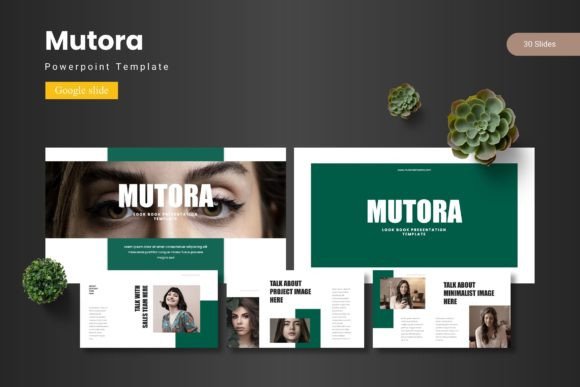
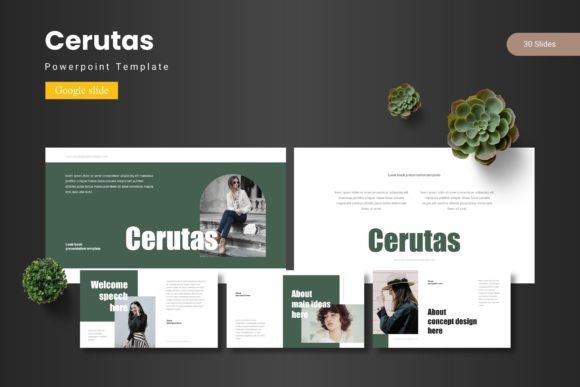
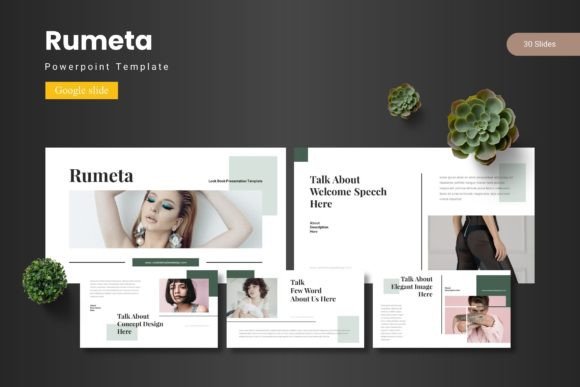
At its core, Rumeta offers a robust framework for building presentations. It includes over 150 total slides across five premade color schemes, providing a solid foundation for any project. Each of the five templates within the collection features 30 meticulously designed slides, from engaging section breaks to handcrafted infographics. The structure is based on master slides, ensuring consistency and making global edits effortless. Every graphic element is pixel-perfect, fully resizable, and editable, giving you complete creative control.
Why Choose a Premium Google Slide Template?
A well-designed template does more than look good. It streamlines your workflow, enforces visual consistency, and elevates the perceived value of your content. For professionals, educators, and creatives, using a resource like Rumeta means starting with a polished canvas. You avoid the time-consuming process of building layouts from scratch and can instead focus on refining your message and personalizing the design to match your brand identity.
Practical Use Cases for Creative Projects
The flexibility of the Rumeta template makes it suitable for a wide array of applications. Consider using it for:
- Business and Marketing: Crafting investor pitches, quarterly reports, or product launch presentations that require a clean, modern aesthetic.
- Education and Workshops: Designing engaging lesson plans, workshop materials, or academic lectures with clear information hierarchy.
- Creative Portfolios: Showcasing design work, photography, or case studies using the dedicated gallery and portfolio slides.
- Event and Project Proposals: Presenting ideas for events, campaigns, or projects in a visually organized and persuasive manner.
The inclusion of picture placeholders with drag-and-drop functionality simplifies the process of adding your own images. Whether you are creating social media graphics to promote a webinar or developing a comprehensive brand guideline deck, the template provides the necessary structure without limiting your creativity.
Tips for Selecting and Using Design Assets
When incorporating any new design asset into your projects, a thoughtful approach ensures the best results. Here are a few practical considerations:
- Assess Readability and Mood: Ensure the template's color schemes and layout styles align with the tone of your project—be it corporate, creative, or educational.
- Customize for Consistency: Use the master slides to apply your brand's fonts and colors globally. This maintains a cohesive look throughout your presentation.
- Test and Iterate: Don't hesitate to mix and match slides from the different color variations included. This allows you to create unique combinations while staying within the template's professional framework.
- Review the License: For any commercial project, always confirm the usage rights. Rumeta comes with a clear readme file detailing font and photo information, helping you use the asset correctly.
Choosing a comprehensive template like this is an investment in your visual communication. It provides the tools to build presentations that not only convey information but also reinforce your professional image and leave a lasting impression. The right design asset helps you tell your story more effectively, making your ideas stand out with polished, intentional design.