Domiros - Google Slide Template
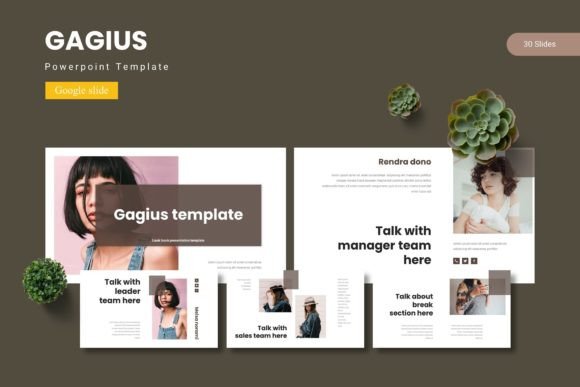
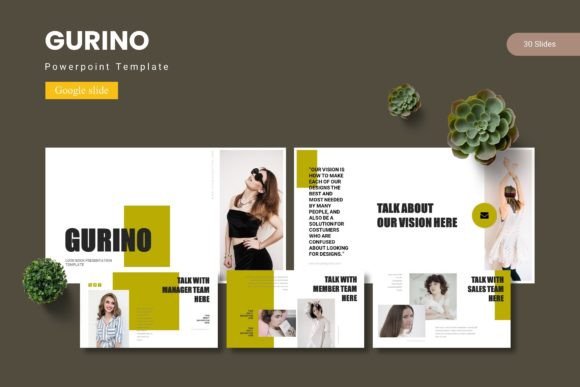
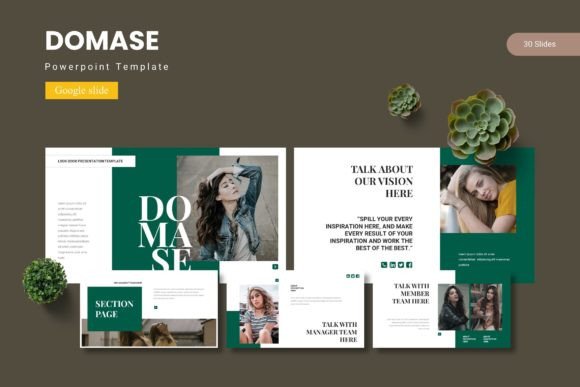
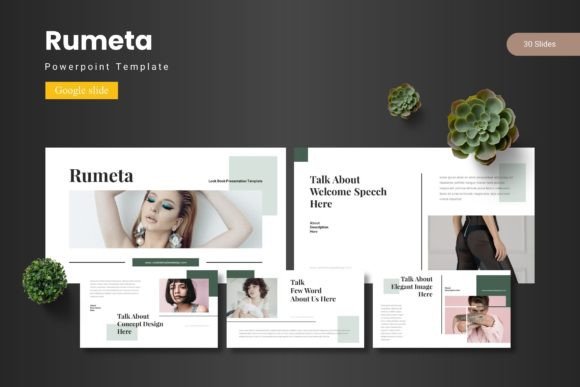
Creating a presentation that truly captivates your audience often comes down to the visual foundation you build upon. The right design framework can transform a simple set of slides into a powerful storytelling tool, and that's precisely where the Domiros - Google Slide Template shines. This comprehensive template package is designed for professionals and creatives who need to deliver polished, cohesive, and visually engaging presentations without spending hours on design from scratch.
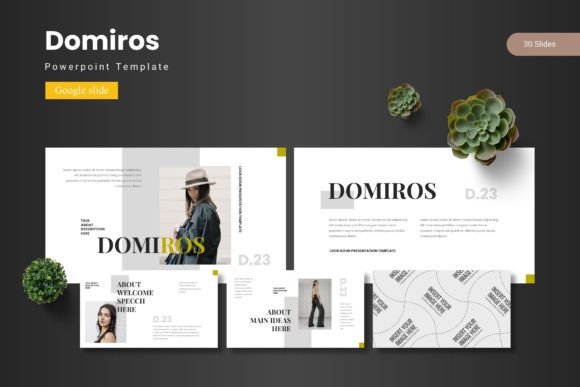
At its core, Domiros is more than just a set of slides; it's a versatile design system. With over 150 total slides organized into five premade color schemes, it offers tremendous flexibility. You receive 30 meticulously crafted slides for each template variation, ensuring you have the right layout for every part of your narrative—from impactful section breaks to detailed infographics and clean portfolio galleries. Every element, from the pixel-perfect illustrations to the picture placeholders, is fully resizable and editable, allowing you to tailor every detail to your brand's specific needs.
Practical Applications for Creative Professionals
This template is an invaluable design asset for a wide range of projects. Consider using it for:
- Brand Presentations: Develop and showcase brand identity guidelines, mood boards, and strategy decks with a consistent and professional visual language.
- Client Pitches and Proposals: Make a memorable impression with a structured, aesthetically pleasing proposal that builds credibility.
- Educational and Workshop Materials: Create clear, engaging instructional content for courses, webinars, or team training sessions.
- Portfolio Showcases: Highlight your work in photography, graphic design, or web design using the dedicated gallery and portfolio slides.
- Startup Pitch Decks: Convey your business model, market analysis, and vision with clarity and visual appeal to attract investors.
Maximizing the Template's Potential
To get the most out of Domiros, start by selecting the color scheme that best matches your project's mood or existing brand palette. The five variations provide a strong starting point, but the true power lies in customization. Leverage the master slide feature to ensure global changes to fonts, colors, and logos are applied seamlessly across all slides. When adding your content, use the drag-and-drop picture placeholders to quickly integrate your own imagery, maintaining a cohesive look. For data-heavy sections, utilize the handcrafted infographics to make complex information digestible and visually interesting.
Remember, a great presentation template acts like a well-designed typeface—it provides structure, hierarchy, and aesthetic harmony. Just as you would pair a serif font with a sans-serif for balance in editorial design, use the consistent layouts within Domiros to create a visual rhythm that guides your audience's attention. This attention to detail elevates your message, making your content appear more polished and professional, which is crucial for building trust and brand recognition.
Choosing a design asset like the Domiros - Google Slide Template is an investment in efficiency and quality. It eliminates the common frustration of starting with a blank canvas, providing a robust, customizable foundation that lets you focus on your content and message. By ensuring visual consistency and professional appeal, it helps you communicate your ideas more effectively, whether you're closing a sale, educating a team, or inspiring an audience.