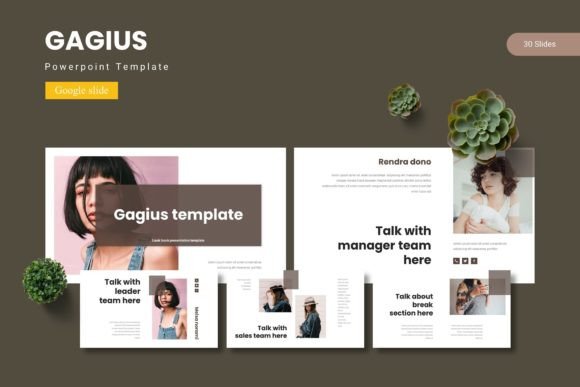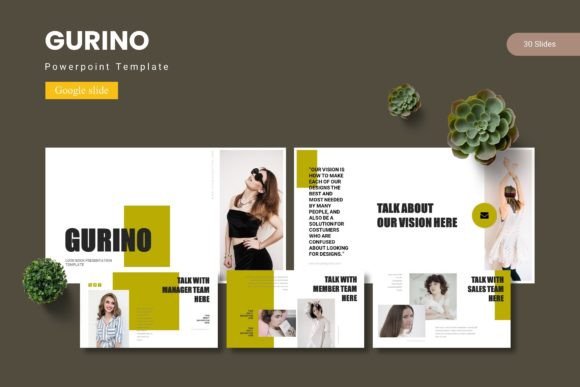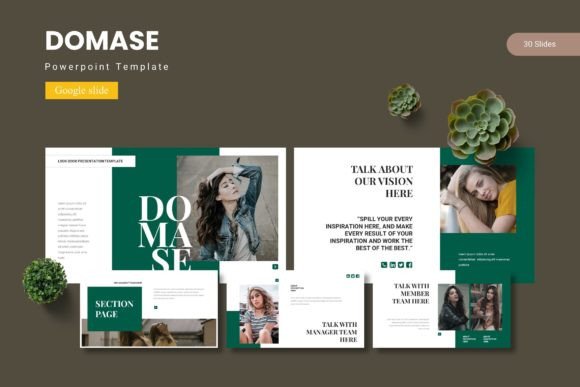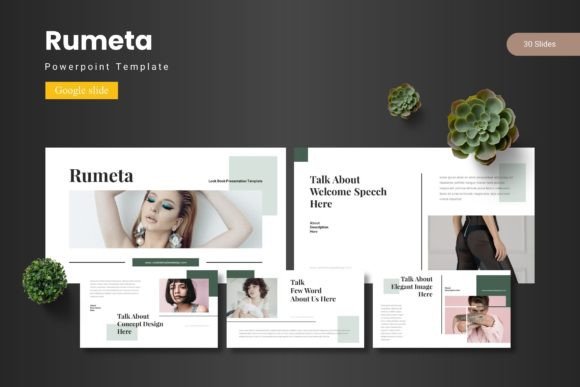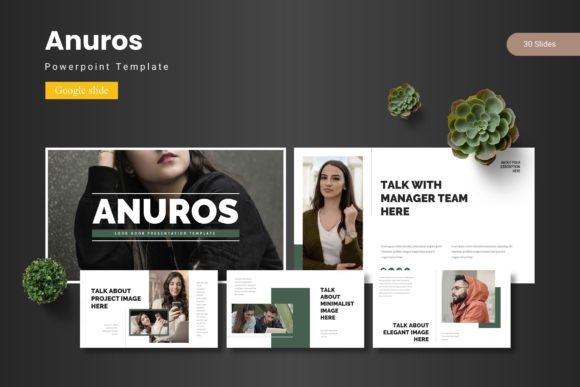
Anuros - Google Slide Template
Imagine transforming a routine presentation into a compelling visual story with just a few clicks. The Anuros - Google Slide Template offers a powerful starting point for professionals and creatives who need to communicate ideas with clarity and style. This comprehensive set of design assets provides the flexibility and polish required to make every slide count.
At its core, this template is a versatile toolkit for building presentations that look professionally designed. With over 150 total slides organized across five premade color schemes, it offers immediate variety. Each color theme includes 30 carefully crafted slides, complete with section breaks to structure your narrative. The foundation is built on master slides, ensuring consistent formatting and easy global updates throughout your project.
The true value lies in its practical features designed for efficiency and impact. Handcrafted infographics and pixel-perfect illustrations are included to visualize data and concepts effectively. Every graphic element is fully resizable and editable, allowing for complete customization. The drag-and-drop picture placeholder system streamlines the process of adding your own images, making the workflow intuitive. Dedicated gallery and portfolio slides are perfect for showcasing work, products, or case studies.
Practical Applications for Modern Creators
This template excels in numerous professional scenarios. It’s an ideal design asset for developing a cohesive brand identity during client pitches or internal reviews. The clean layouts and modern typography provide a strong visual framework that can be adapted to reflect any brand’s personality. For entrepreneurs, it’s a valuable resource for creating investor decks, business plans, or product launch presentations that need to impress.
Beyond traditional slideshows, the elements can inspire other design projects. The color palettes and graphic styles can inform related materials like social media graphics, website mockups, or even packaging design concepts. Thinking about font pairing is also key; the template’s clean aesthetic works well with a variety of typefaces, from bold display fonts for headlines to readable sans serif fonts for body text, helping to create a unified visual language across all your materials.
Tips for Selection and Customization
When choosing a template, consider your specific project needs. The Anuros template is particularly useful for projects that require a balance of professional structure and creative flair. Its five color variations offer a great starting point for mood and tone, whether you’re aiming for corporate seriousness or creative energy.
- Check Readability: Ensure the text layouts maintain clarity, especially for data-heavy slides.
- Match the Mood: Select the color scheme that best aligns with your presentation’s subject matter and audience.
- Test Your Content: Use the placeholder system to see how your own images and text integrate with the design flow.
- Review the Assets: Explore all the included infographics and illustrations to fully leverage the template’s capabilities.
Ultimately, a well-structured template like this does more than just look good. It enhances visual consistency, which strengthens your message and builds professional credibility. It saves valuable time in the design process, allowing you to focus on your content and delivery. For anyone seeking to elevate their presentations with a polished, adaptable, and feature-rich starting point, this collection of design assets proves to be a worthwhile consideration for both immediate projects and long-term creative needs.