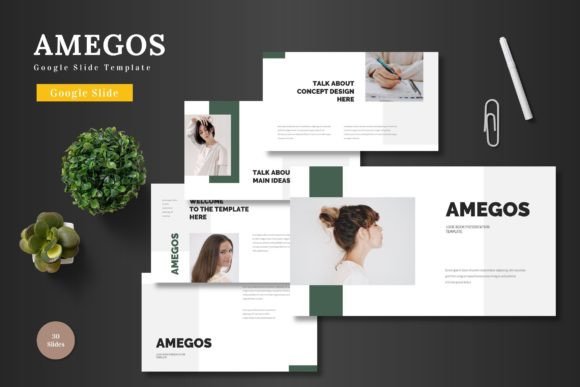
Amegos - Google Slide Template
Finding the right presentation template can transform a simple pitch into a compelling story. The Amegos - Google Slide Template is designed to do exactly that, offering a clean, scalable, and colorful foundation for a wide range of projects. This is more than just a set of slides; it's a versatile design asset built to help you communicate ideas with clarity and visual polish.
At its core, Amegos is a multipurpose template pack that streamlines the creation of professional presentations. Whether you're preparing a business pitch, an e-commerce showcase, or a product promotion deck, its structure is built to support your goals. The true value lies in its flexibility—all elements are fully editable directly within Google Slides. You don't need specialized software; simply input your content, drag and drop images into placeholders, and adjust colors to match your brand identity. This ease of use makes it an excellent resource for maintaining high-quality visuals without a steep learning curve.
A Toolkit for Visual Storytelling
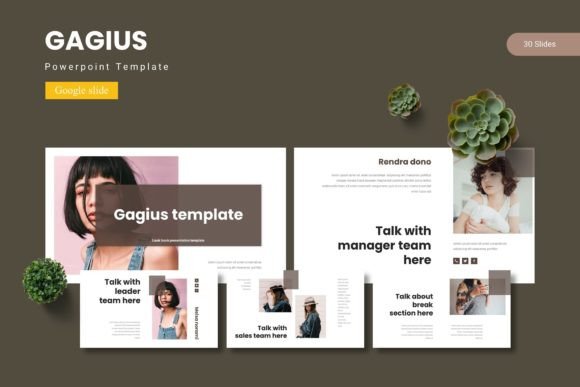
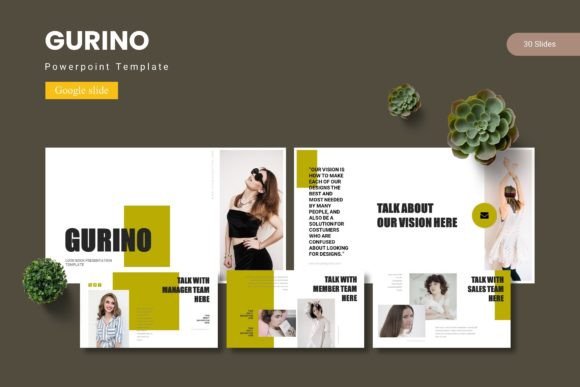
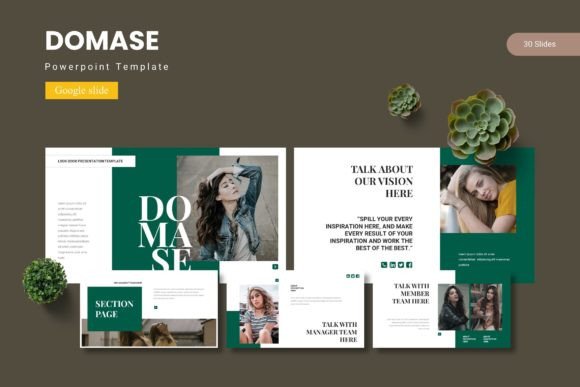
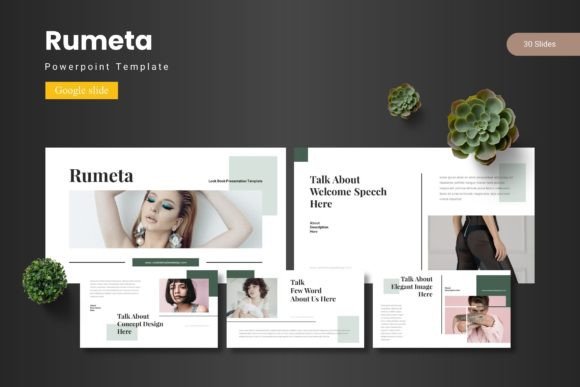
The template's features are thoughtfully curated for practical impact. With over 150 total slides across five premade color schemes, you have ample room to develop your narrative. Each of the five templates includes 30 meticulously crafted slides, complete with section breaks and handcrafted infographics. The pixel-perfect illustrations and resizable graphics ensure your presentation looks sharp on any screen. This level of detail helps elevate your brand's professional presentation, making complex information accessible and engaging.
Creative Applications and Use Cases
Think of Amegos as a foundational tool for various creative and business needs. Its clean aesthetic and structured layouts are ideal for:
- Pitch Decks & Business Plans: Present your vision to investors or stakeholders with a polished, cohesive look that builds credibility.
- Product Launches & E-commerce: Showcase features, benefits, and user journeys in a visually organized manner that drives interest.
- Portfolio & Gallery Displays: The dedicated slides provide an elegant framework for photographers, designers, and artists to display their work.
- Internal Reports & Team Updates: Use the infographic slides to simplify data and make routine updates more engaging for your team.
The design's neutrality allows it to adapt to different moods. By changing the color scheme and swapping out placeholder images, the same template can feel corporate, creative, or minimalistic. This adaptability is key for projects requiring visual consistency across different materials, from a keynote presentation to companion social media graphics.
Tips for Getting the Most from Your Template
To ensure the Amegos template works best for you, consider these practical tips:
- Test Readability: Before finalizing, view your slides on different devices. Check that text is legible and that your chosen color combinations offer sufficient contrast.
- Match the Mood: Select the color scheme that best aligns with your project's tone. A vibrant palette might suit a startup pitch, while a muted one could be better for a formal report.
- Customize Thoughtfully: Use the master slides to make global changes efficiently. When adding your own graphics, maintain the template's clean alignment to preserve its professional feel.
- Consider Your Audience: The template's modern typography and balanced layout are designed to appeal broadly. Tailor your content and imagery to resonate with your specific viewers.
Ultimately, a well-designed template like Amegos does more than organize information—it enhances your message. It provides a reliable, attractive canvas that lets your content shine, helping you make a memorable impression. By choosing a resource that prioritizes both aesthetics and functionality, you invest in the clarity and impact of your communication.