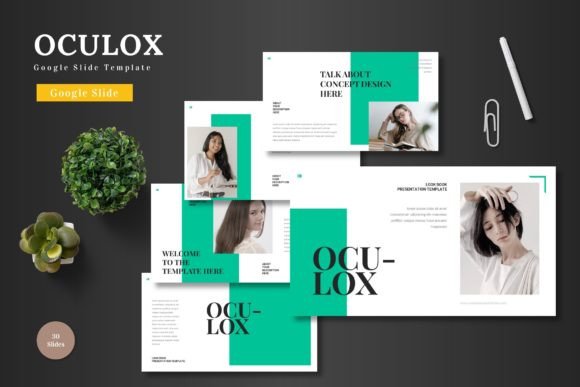
Oculox - Google Slide Template for Professional Presentations
Struggling to make your next presentation look polished and professional without spending hours on design? The Oculox - Google Slide Template offers a sophisticated solution, providing a comprehensive set of tools to transform your ideas into visually compelling narratives. This isn't just another slide deck; it's a design system built for clarity and impact.
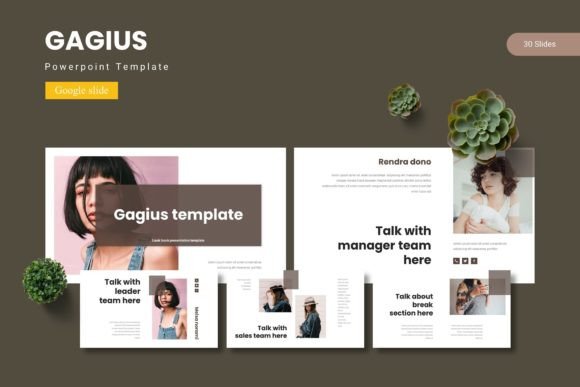
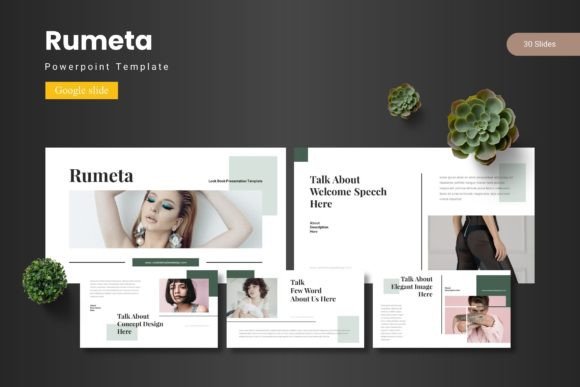
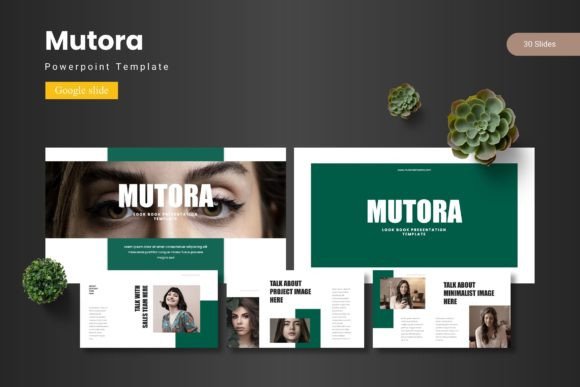
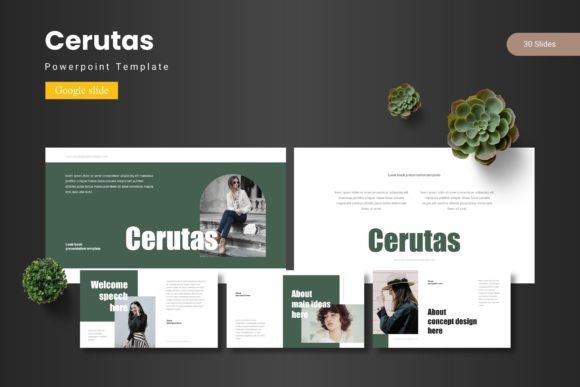
At its core, Oculox is a premium collection of over 150 meticulously crafted slides, organized across five distinct color themes. Each theme contains 30 unique slides, giving you a consistent yet flexible foundation for any topic. The template is built on Master Slides, ensuring uniformity and making global edits effortless. Whether you're pitching a business concept, presenting a portfolio, or outlining a project, the structure is already there to support your story.
Key Features for Seamless Design
What sets this template apart is its attention to detail and user-friendly design. The handcrafted infographics and pixel-perfect illustrations are not just decorative; they are functional tools for presenting data and concepts clearly. Every graphic element is fully resizable and editable, allowing you to customize them to fit your exact needs without losing quality.
Practicality is a major strength. The inclusion of drag-and-drop picture placeholders streamlines the process of adding your own images, while dedicated gallery and portfolio slides are perfect for creatives showcasing their work. The package also includes section break slides, which help organize your presentation into digestible chapters, improving audience flow and engagement.
Ideal Use Cases and Practical Applications
This template excels in scenarios where visual consistency and professional branding are crucial. Consider using it for:
- Business Pitches & Investor Decks: The clean layouts and data visualization slides help convey complex information with authority and clarity.
- Portfolio Presentations: Artists, photographers, and designers can elegantly display their work using the dedicated gallery layouts.
- Marketing & Brand Guidelines: Present brand identities, color schemes, and typography rules in a visually organized manner.
- Educational Workshops & Webinars: The structured slides and infographics make learning materials more engaging and easier to follow.
- Project Proposals & Reports: Create a polished, professional document that reflects well on your brand and attention to detail.
Tips for Choosing and Using the Template
To get the most out of Oculox, start by selecting the color scheme that best matches your brand or the mood of your presentation. The five provided options offer great versatility, from corporate blues to more creative palettes. Before diving in, review the included Readme file for font and photo information to ensure you have the right assets installed.
While the template provides a strong visual framework, remember to adapt it to your content. Use the infographic elements to simplify complex data, and don't hesitate to rearrange or remove slides that don't serve your narrative. The goal is to let the design enhance your message, not overshadow it. Testing your final presentation on the device you'll use to present is always a good step to check for readability and layout integrity.
Choosing a well-designed template like Oculox is an investment in your communication. It saves valuable time, elevates the perceived quality of your work, and ensures your ideas are presented with the visual consistency and professionalism they deserve. For anyone looking to create standout presentations that resonate, it provides a reliable and beautiful foundation to build upon.