Cerutas: A Versatile Google Slide Template for Modern Presentations
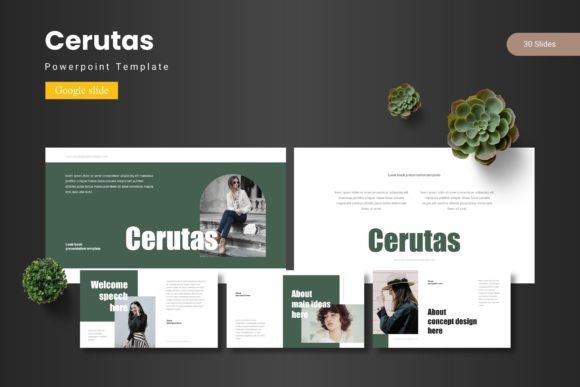
Transforming a complex idea into a clear, compelling story often starts with the right visual foundation. The Cerutas - Google Slide Template provides exactly that, offering a robust framework for anyone looking to craft presentations that are both professional and visually engaging. This comprehensive package is designed to streamline your workflow while ensuring your message is delivered with maximum impact.
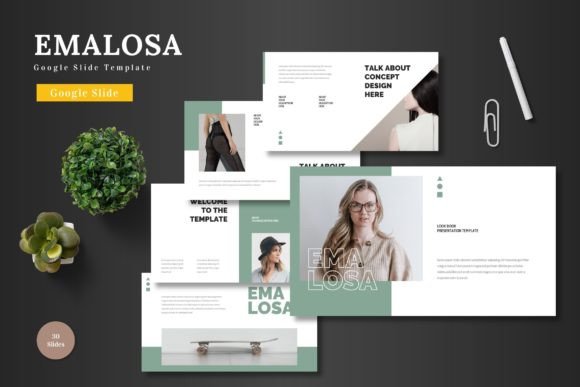
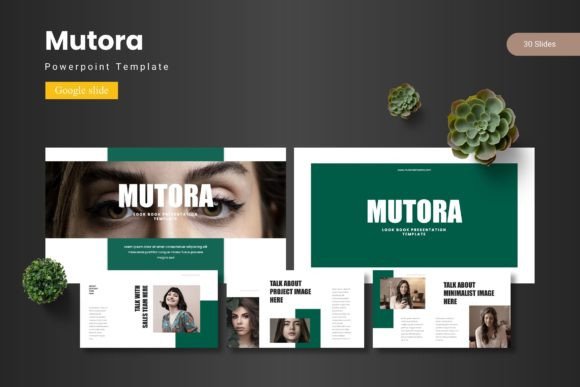
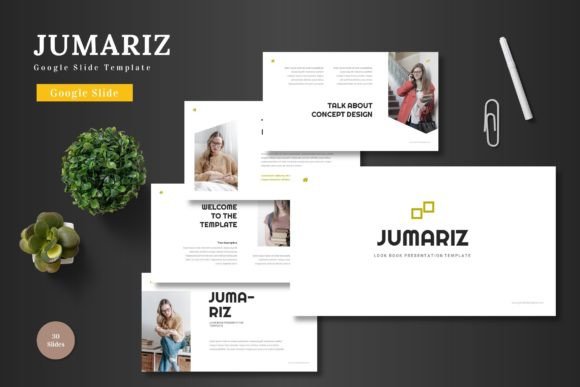
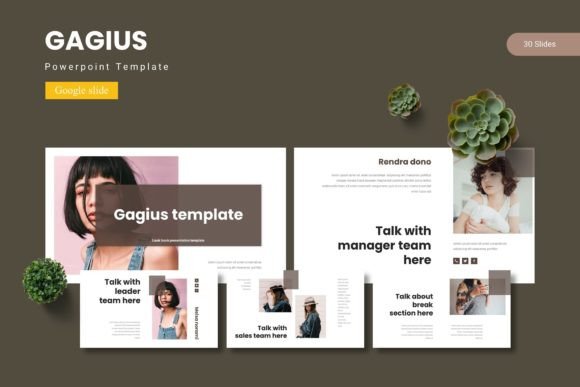
At its core, this template is built for flexibility and polish. It includes over 150 total slides, organized into 30 distinct layouts across five premade color schemes. This structure allows you to mix and match to find the perfect arrangement for your narrative, whether you're presenting a quarterly business review, a creative portfolio, or an educational lecture.
Key Features for a Seamless Design Experience
The true value of a premium design asset lies in its thoughtful details. The Cerutas template is packed with features that save time and elevate quality.
- Pixel-Perfect & Fully Editable: Every illustration and graphic element is crafted with precision and can be resized or customized to fit your brand's unique visual identity.
- Intuitive Workflow: Based on master slides, making global changes to fonts, colors, and logos is effortless. The drag-and-drop picture placeholder simplifies adding your own images.
- Ready for Any Topic: With dedicated section break slides, gallery layouts, and handcrafted infographics, you have the tools to present data, showcase work, and guide your audience logically.
Practical Applications Across Projects
This Google Slide template is a versatile tool for numerous creative and professional scenarios. Its clean, modern typography and structured layouts make it ideal for:
- Brand Presentations: Ensure your brand identity is consistently communicated to clients or internal teams.
- Portfolio Showcases: Use the gallery and portfolio slides to let your work in graphic design, packaging, or web design speak for itself.
- Marketing & Social Media: Create cohesive campaign decks that align with your social media graphics and poster designs.
- Editorial & Educational Content: Structure reports, case studies, or course materials in a scannable, professional manner.
Tips for Choosing and Using Your Template
When selecting a template like Cerutas, consider the mood of your project. The five color variations allow you to match the template to your brand's palette or the emotional tone of your presentation. Always test the readability of text on the chosen color scheme. A key advantage is the ability to pair the template's built-in typography with your existing brand fonts to maintain visual consistency across all your design assets, from your logo to your final slide.
Remember, a well-designed template is more than just a collection of slides; it's a system for clear communication. It helps organize your thoughts, guides your audience's attention, and reinforces your professionalism. By starting with a strong, flexible foundation, you free up more of your creative energy to focus on crafting your core message, confident that the visual presentation will support and enhance it.