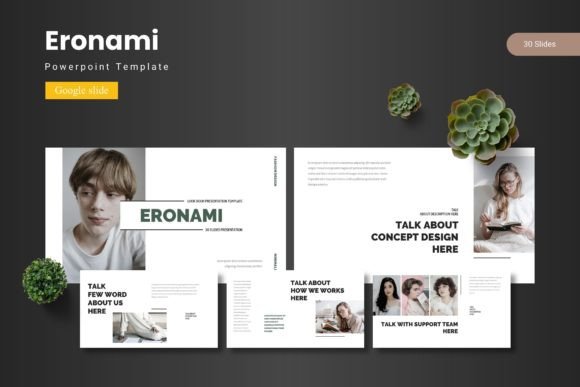
Eronami - Google Slide Template: Your Visual Presentation Toolkit
Imagine transforming a complex idea into a clear, compelling story in minutes, not hours. With the right Google Slide template, your presentation becomes a powerful communication tool, not just a series of slides. The Eronami - Google Slide Template is designed for this exact purpose, offering a structured yet flexible foundation for professionals, educators, and creatives who need to convey their message with visual impact and clarity.
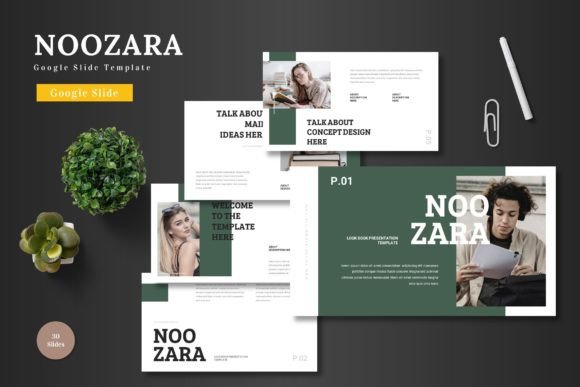
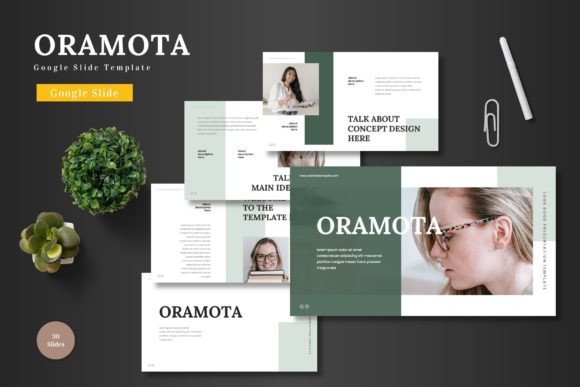
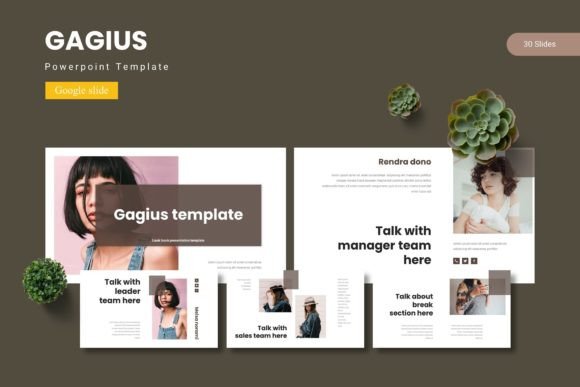
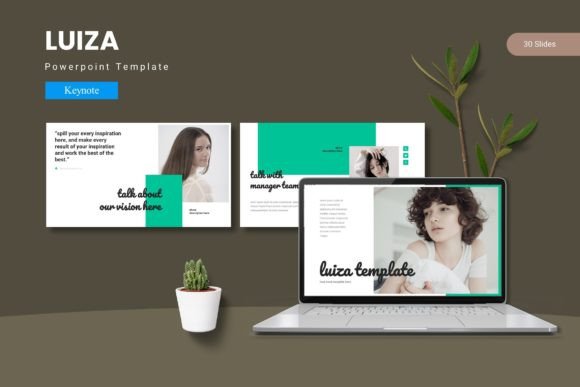
This comprehensive template package is more than a set of pre-designed slides; it's a complete design system for your presentations. It includes over 150 total slides organized across five premade color themes, giving you 30 distinct slides for each template variant. This structure allows you to maintain visual consistency throughout your entire presentation while having ample variety to keep your audience engaged.
Key Features That Enhance Your Workflow
The Eronami template is built with practical design principles at its core. Every element is crafted to save you time while elevating the professionalism of your output.
- Master Slides & Color Variations: Built on master slides for easy global edits, with five coordinated color schemes to match your brand or mood instantly.
- Handcrafted Infographics & Illustrations: Pixel-perfect, fully resizable graphics that visually explain data and concepts without needing external design software.
- Drag-and-Drop Placeholders: Simplify adding your own content. Simply drag an image into the designated placeholder to perfectly fit your layout.
- Section Breaks & Portfolio Slides: Professionally segment your presentation and showcase work or case studies with dedicated gallery-style slides.
Practical Applications for Every Creator
The true value of a well-designed presentation template lies in its versatility. The Eronami system is suited for a wide range of projects, helping you maintain a polished brand identity across different contexts.
For businesses, it's ideal for creating investor pitch decks, quarterly reports, or client proposals that need to look authoritative and trustworthy. Educators can use its structured layouts to build engaging lesson plans or academic lectures. Marketing teams will find the infographic and data visualization slides perfect for campaign reviews or social media strategy presentations.
Beyond standard business use, this template shines for creative portfolios, project proposals, and workshop materials. The consistent design language ensures that whether you're presenting to a boardroom or a classroom, your content appears organized and professional, reinforcing your credibility through thoughtful visual design.
Tips for Selecting and Using Your Template
When choosing a presentation template, consider its alignment with your project's goals. Here’s how to get the most out of a resource like Eronami:
- Match the Mood: Review the five color variations to select the one that best fits your presentation's tone—whether it's energetic, corporate, minimalist, or creative.
- Test Readability: Ensure the chosen color scheme and text layouts maintain high contrast for easy reading in various lighting conditions, especially for projected presentations.
- Leverage the System: Don't just use single slides. Utilize the section breaks and master slides to create a cohesive narrative flow from start to finish.
- Customize with Purpose: Use the editable graphics to reinforce your points, not decorate. Every visual element should serve a clear communicative function.
Choosing a robust template like Eronami - Google Slide Template is an investment in your communication effectiveness. It provides the design assets and structural foundation that allow you to focus on your message, secure in the knowledge that the visual presentation will support and enhance your content. The right template doesn't just make slides look good; it makes your ideas resonate more clearly with your audience.