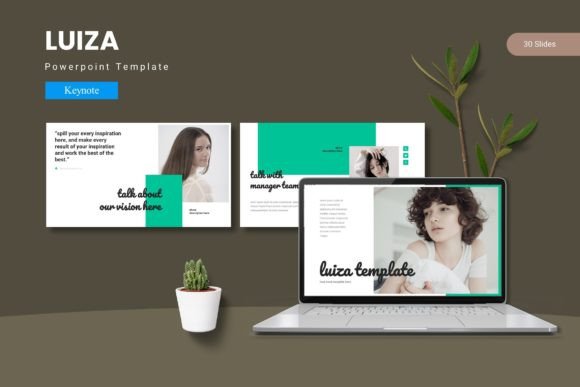
Luiza - Keynote Template: Your Presentation's Visual Signature
Imagine opening a presentation file that feels immediately polished and ready to tell your story. The Luiza - Keynote Template offers exactly that—a cohesive and visually engaging foundation designed to make your ideas shine from the first slide to the last. It’s more than just a collection of slides; it’s a design system that helps you deliver information with clarity and style.
For anyone who needs to communicate ideas effectively—whether pitching to clients, sharing a project update, or teaching a concept—the visual framework of your slides matters. A cluttered or inconsistent presentation can distract from your message. This template provides a structured yet flexible canvas, allowing you to focus on your content while the design works seamlessly in the background.
Crafting a Cohesive Visual Narrative
The true value of a well-designed Keynote template lies in its ability to unify your presentation. The Luiza - Keynote Template is built on master slides, which ensures every element, from titles to body text, maintains a consistent look. This consistency is crucial for establishing a professional tone and building trust with your audience.
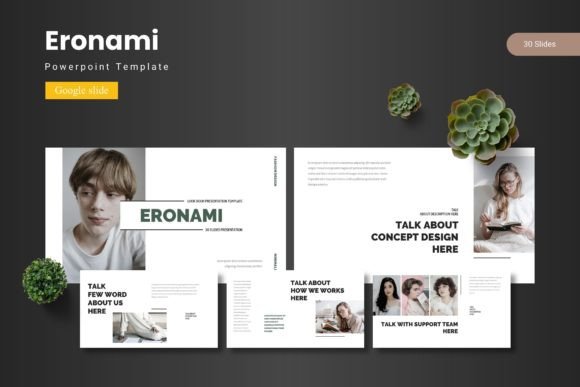
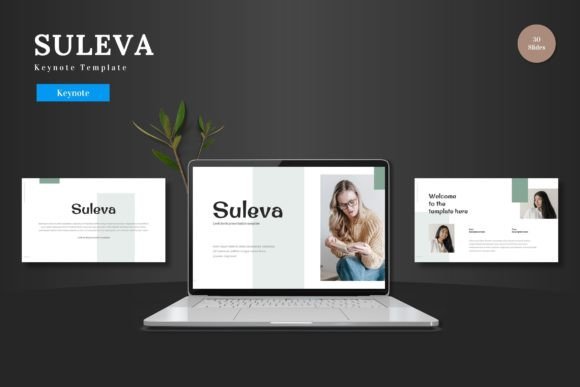
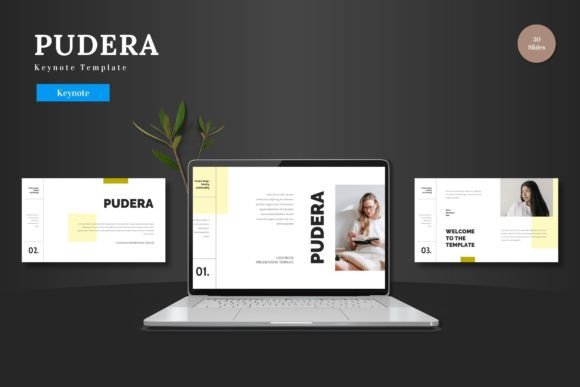
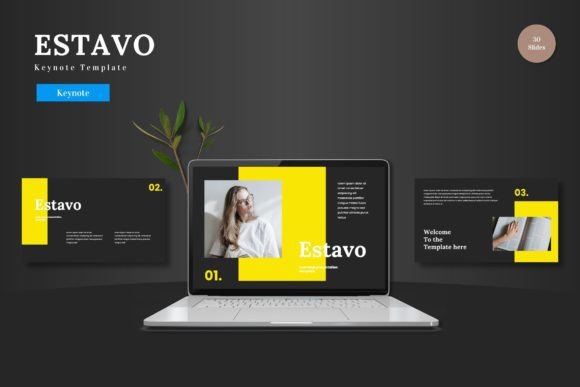
With over 150 total slides across five premade color schemes, you have a rich library to draw from. Each of the five templates includes 30 meticulously crafted slides, complete with section break slides to logically divide your content. This variety allows you to structure complex information, showcase data, and highlight key points without ever running out of clean, purposeful layouts.
Designed for Flexibility and Impact
What makes this template particularly useful is its emphasis on customization. You can effortlessly adjust layouts, fonts, and colors to align with your brand identity or the specific mood of your project. The handcrafted infographics and pixel-perfect illustrations are all resizable and editable, giving you complete control over the visual details.
The practical features are designed to save you time. Picture placeholders with drag-and-drop functionality make adding images a breeze, while dedicated gallery and portfolio slides help you present work in an attractive, organized manner. This blend of aesthetic quality and practical utility makes it a strong choice for a wide range of creative and professional scenarios.
Practical Applications and Use Cases
Consider how a template like this can elevate different types of projects:
- Brand Pitches & Client Presentations: Use the cohesive design to present brand strategies, marketing plans, or project proposals with a level of polish that reflects well on your professionalism.
- Portfolio Showcases: The gallery and portfolio slides are ideal for designers, photographers, and artists to display their work in a clean, distraction-free environment.
- Educational & Workshop Materials: Create engaging lectures, workshop guides, or educational modules with structured sections and clear infographics that aid comprehension.
- Internal Reports & Updates: Transform routine data and updates into visually engaging narratives that keep team members informed and interested.
When selecting a Keynote template, it’s wise to consider the overall tone it conveys. Does its style match the formality of your subject? Are the slide layouts versatile enough for your specific content needs? The Luiza - Keynote Template strikes a balance between modern elegance and functional simplicity, making it suitable for corporate environments, creative agencies, and academic settings alike.
Tips for Making the Template Your Own
To get the most out of any presentation template, keep these practical tips in mind:
- Test Font Pairings: While the template includes suggested fonts, experiment with swapping one to see if it better matches your brand’s voice. Ensure any new typeface remains highly readable at a distance.
- Use Color Strategically: The five color variations are a great starting point. Use the primary color for key elements and the secondary ones for accents to create visual hierarchy and guide your audience’s attention.
- Customize for Context: Don’t just fill in the blanks. Adjust slide layouts to best present your specific data or story. Move elements, resize graphics, and use the provided sections to create a logical flow unique to your presentation.
A thoughtfully designed Keynote template does more than just make slides look good; it enhances communication, reinforces credibility, and helps your message resonate. By providing a strong visual framework that’s both beautiful and adaptable, the Luiza - Keynote Template