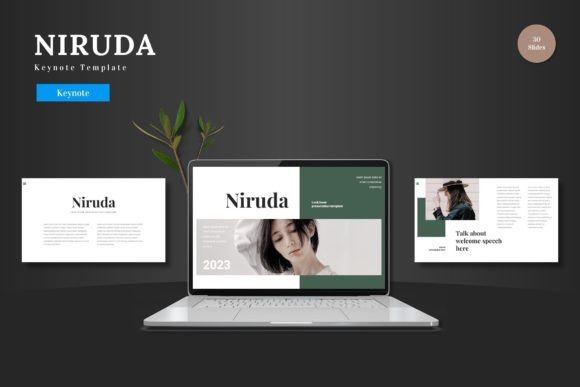
Niruda - Keynote Template: A Cohesive Presentation Experience
Imagine a presentation that flows with professional elegance, where every slide feels intentionally designed to captivate your audience. This is the promise of the Niruda - Keynote Template, a comprehensive design toolkit that transforms how you create and deliver visual stories. It's more than just a set of slides; it's a system built for clarity, impact, and creative freedom.
At its core, Niruda is a premium Keynote template designed to solve a common problem: achieving visual consistency without sacrificing creativity. For designers, marketers, and entrepreneurs, a presentation is a critical piece of brand identity. It needs to look polished, on-brand, and professional. Niruda provides the foundation, allowing you to focus on your message rather than struggling with layout and design from scratch.
Key Features for Effortless Design
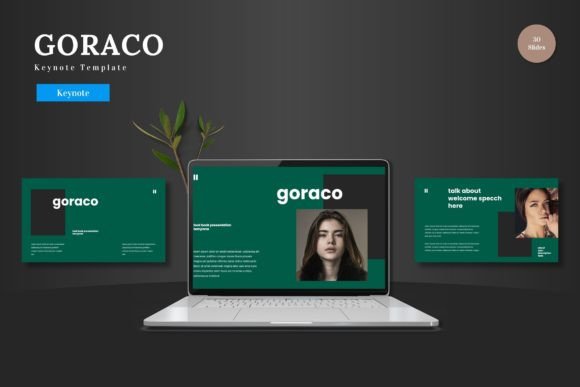
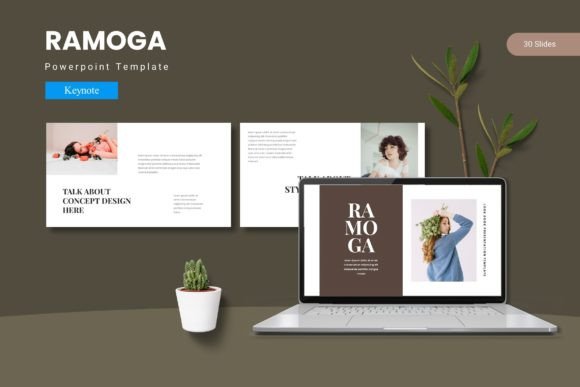
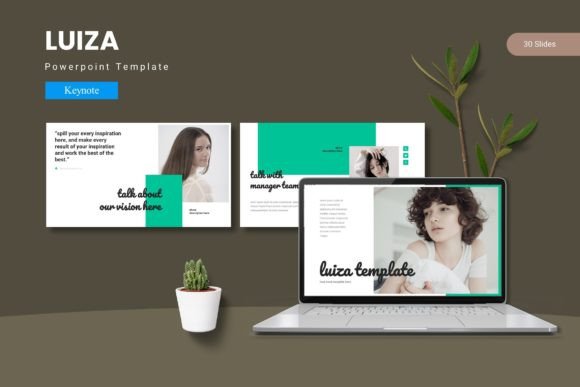
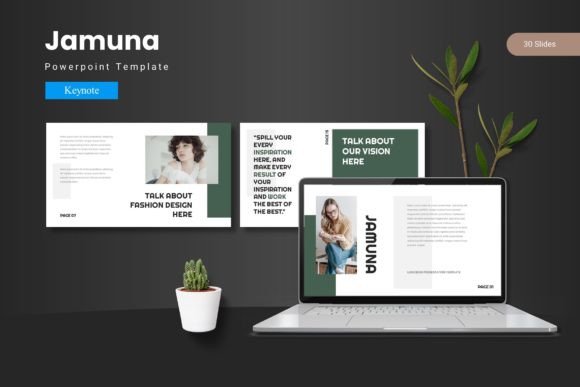
What makes this template stand out is its thoughtful structure and flexibility. With over 150 total slides organized into five premade color schemes, you have a vast library of options at your fingertips. Each of the five templates includes 30 meticulously crafted slides, covering everything from title screens and section breaks to data-driven infographics and portfolio showcases.
The practical benefits are clear:
- Master Slides & Pixel-Perfect Design: Every element is built on master slides for easy editing, ensuring changes are applied globally. The infographics and illustrations are handcrafted and vector-based, meaning they stay sharp at any size.
- True Customization: Effortlessly adjust layouts, fonts, and colors to match your specific brand guidelines. The drag-and-drop picture placeholders make adding your own content intuitive and fast.
- Ready-to-Use Variety: From gallery slides to project showcases, the template includes pre-designed layouts for common presentation needs, saving you hours of design work.
Ideal Use Cases for Creative Professionals
Consider the Niruda template for any project where first impressions matter. It's perfectly suited for:
- Brand & Pitch Decks: Present a new brand identity or business idea with slides that reflect the quality and thoughtfulness of your work.
- Portfolio Reviews: Showcase design projects, photography, or case studies in a clean, gallery-style format that lets the work speak for itself.
- Marketing & Social Media Strategy: Outline campaigns, analytics, and content plans in a visually engaging way that keeps stakeholders aligned.
- Educational & Workshop Materials: Create clear, well-organized materials for teaching, training, or client onboarding.
Tips for Maximizing Your Template
To get the most out of a Keynote design template like Niruda, start by defining your presentation's core message and mood. Select one of the five color schemes that best aligns with your brand or topic. Then, customize the master slides with your brand fonts and logo to establish a consistent foundation.
Remember, the template is a starting point. Don't be afraid to mix and match slides from different color variations or rearrange the order to tell your unique story. The goal is to use the template's strong design framework to make your content shine, not to be confined by it. Always test your final presentation for readability and flow before the big day.
Choosing the right design assets is an investment in your professional image. A well-structured, visually cohesive template like Niruda doesn't just make your slides look better—it enhances your credibility, ensures your message is received clearly, and ultimately helps you leave a lasting, positive impression. It’s the kind of tool that empowers you to present with confidence, knowing your visuals are working as hard as your words.