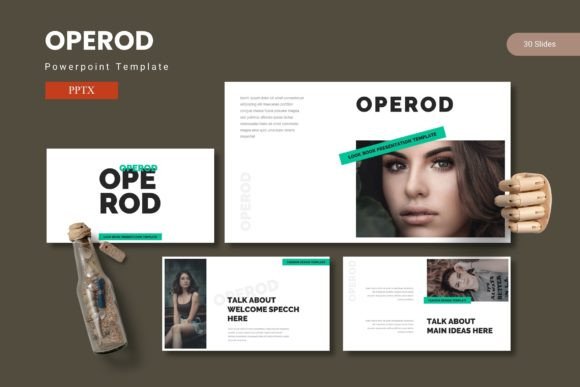
Operod - Powerpoint Template
Captivate your audience from the very first slide with a presentation that feels both professional and visually compelling. The right design template can transform a routine pitch into a memorable story, and the Operod - Powerpoint Template is built exactly for that purpose. It provides a polished framework that lets your ideas shine, combining clean layouts with powerful visual elements to ensure your message resonates.
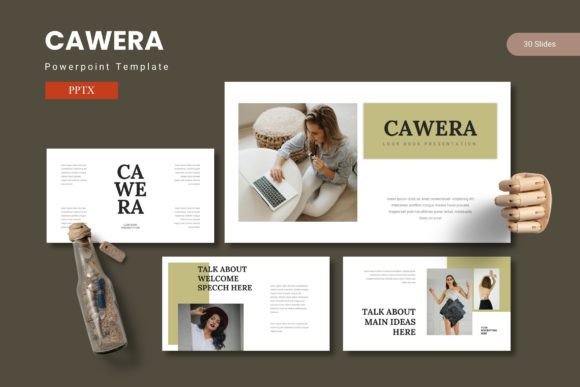
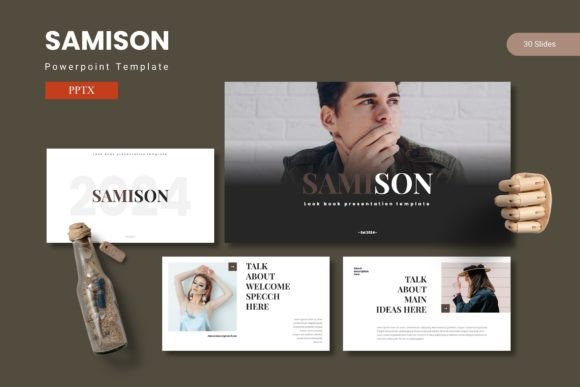
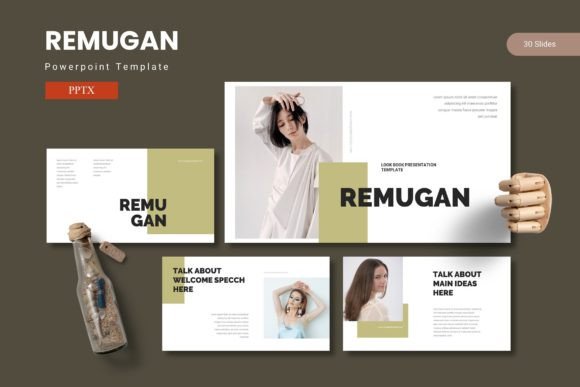
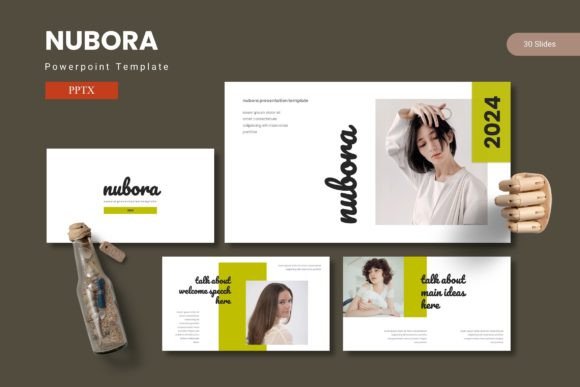
This isn't just a collection of slides; it's a comprehensive design system for your presentations. With over 150 total slides across five premade color schemes, you have a vast toolkit at your disposal. Each of the five templates contains 30 meticulously crafted slides, offering a complete journey from an engaging title section to detailed content, handcrafted infographics, and a professional gallery or portfolio showcase. The inclusion of section break slides helps you structure your narrative clearly, guiding your audience through complex information with ease.
Designed for Flexibility and Impact
What sets a premium PowerPoint design template apart is its adaptability. Operod is built on master slides, which means making global changes to fonts, colors, or logos is a simple, one-time task. This ensures perfect visual consistency across your entire deck, a crucial element for reinforcing brand identity. The pixel-perfect illustrations and graphics are all fully resizable and editable, allowing you to tailor every visual to match your specific content without losing quality.
The practical features are designed to save you time. Picture placeholders with drag-and-drop functionality make inserting your own images effortless. Whether you're preparing a business proposal, an educational lecture, or a creative portfolio, the structure is already there, waiting for your content.
Ideal Use Cases for This Template
Consider how this template can elevate various projects:
- Business & Marketing: Create investor pitch decks, quarterly reports, and marketing strategy presentations that look boardroom-ready. The data-driven infographic slides are perfect for illustrating statistics and growth.
- Education & Training: Design engaging workshop materials, academic lectures, or training modules that keep participants interested with clear visuals and structured information.
- Creative & Portfolio: Showcase design work, photography, or architectural projects in a gallery-style layout that emphasizes the visuals. It acts like a dynamic editorial design for your digital content.
- Events & Conferences: Build compelling event agendas, speaker introductions, and keynote presentations that set a professional tone.
Tips for Choosing and Using Your Template
When selecting a design asset like this, think about your primary use case. Does the overall mood match your brand's personality—whether it's corporate, creative, or minimalist? Always review the included color schemes to see if one aligns with your existing brand identity, or if the neutral options provide a good starting point for customization.
Font pairing is another key consideration. While the template comes with its own typography, check the included Readme First file for font information. Ensuring you have access to the specified fonts, or knowing suitable alternatives, will maintain the design's integrity. Test the template with your own content early on. Does the placeholder layout accommodate your typical text length? Are the infographic elements easy to edit with your data? This hands-on check is more valuable than any preview.
Ultimately, a well-structured template like Operod does more than just make slides look good; it streamlines your workflow, enforces consistency, and allows you to focus on your message. By providing a professional foundation, it helps your ideas stand out with clarity and confidence, making every presentation an opportunity to impress.