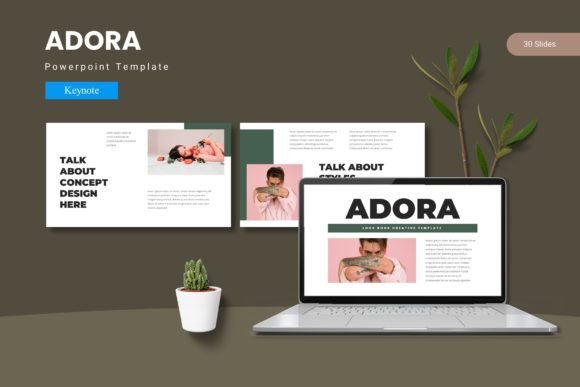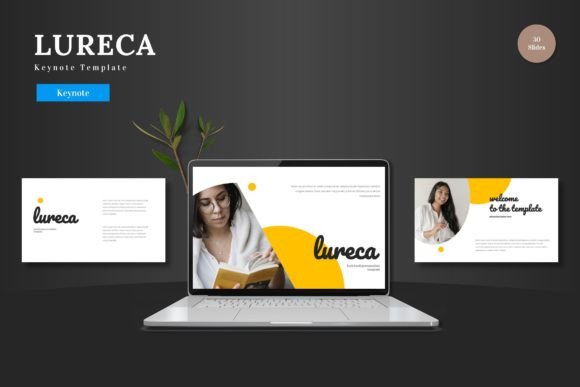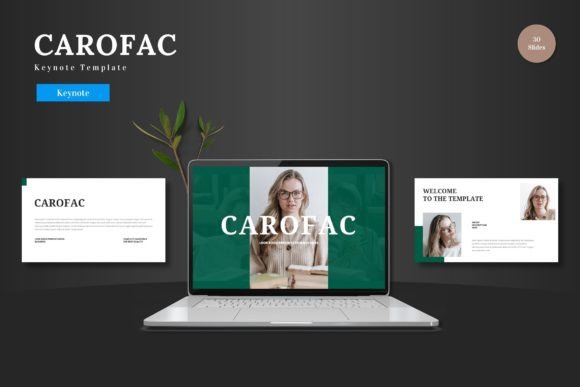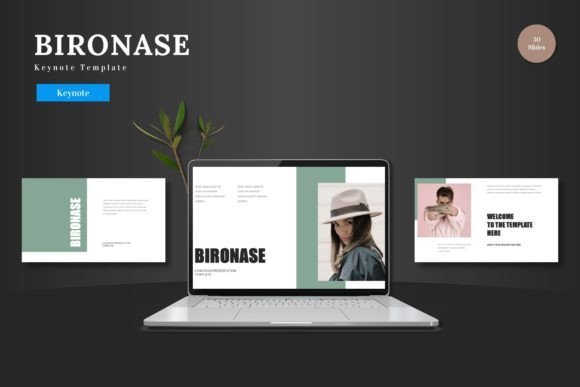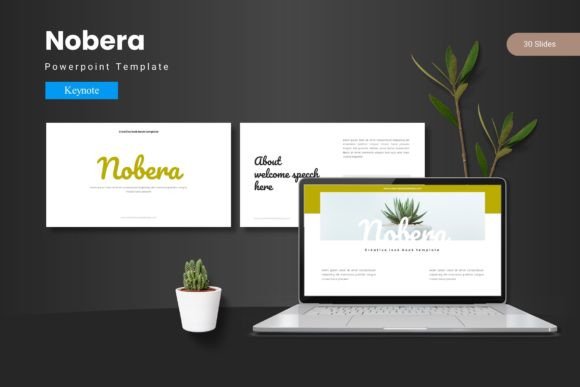
Nobera - Keynote Template: Elevate Your Presentations
Imagine walking into a meeting, ready to present your next big idea, and knowing your slides will look polished, professional, and perfectly on-brand from the very first click. That's the confidence a well-crafted design template can provide. The Nobera - Keynote Template is built for exactly that purpose, offering a comprehensive toolkit for anyone who needs to create visually compelling presentations without starting from scratch.
This Keynote design template ensures a cohesive and visually engaging experience. You can customize layouts, fonts, and colors effortlessly to match your specific needs. Whether you're pitching to clients, delivering a workshop, or sharing a quarterly report, the goal is to impress your audience and leave a lasting mark with each slide you deliver. The template's structure is designed to support your narrative, not distract from it.
Let's explore what makes this a valuable asset for your design toolkit and creative projects.
What's Inside the Nobera Package?
The value of a template lies in its versatility and the quality of its components. The Nobera - Keynote Template comes packed with features that give you immediate creative control:
- 150+ Total Slides spread across 5 premade color schemes, giving you 30 unique slides per template to work with.
- Handcrafted Infographics and Pixel-Perfect Illustrations that are fully resizable and editable, ensuring your data looks sharp and clear.
- Section Break Slides to professionally segment your presentation and guide your audience through the content.
- Master Slides for consistent formatting and easy global edits, saving you significant time.
- Drag & Drop Picture Placeholders and dedicated Gallery and Portfolio slides to showcase your work seamlessly.
The main file includes everything you need to get started: the Keynote files for each color scheme, a helpful Readme First document with font and photo information, and all the design assets organized for easy use.
Who Is This Template For?
Think of the Nobera template as a foundational design asset, much like choosing a premium font for a brand identity project. It's ideal for a range of professionals and situations:
- Entrepreneurs and Marketers creating investor pitches, product launches, or marketing strategy decks that need to look trustworthy and modern.
- Designers and Creatives building portfolio presentations, client proposals, or case studies where visual consistency and professional polish are non-negotiable.
- Educators and Trainers developing workshop materials or lecture slides that are engaging and easy to follow.
- Corporate Teams standardizing internal reports, project updates, and team communications for a unified, professional look.
Its clean, modern typography and structured layouts make it particularly suited for projects where clarity and brand recognition are key, from startup pitch decks to corporate annual reports.
Tips for Making the Most of Your Template
Simply having a great template is the first step. Using it effectively is what sets a good presentation apart. Here’s how to ensure your slides make the intended impact:
First, match the template to your project's mood. The five color variations offer different vibes—select the one that best aligns with your brand or the emotional tone of your presentation. A vibrant scheme might work for a creative agency pitch, while a more subdued palette could suit a financial overview.
Second, customize with intention. While the template provides a strong foundation, personalize it. Swap out the placeholder images with your own high-quality photos. Adjust the color accent on a key slide to highlight a critical metric. Use the master slides to ensure any font changes you make are applied consistently throughout.
Third, focus on readability. Even the most beautiful design fails if the audience can't easily read the content. Ensure your text has enough contrast against the background and that your font choices (the template suggests specific typefaces in the Readme file) are legible at presentation size.
Finally, leverage the infographic elements. Data can be dry. The handcrafted charts and diagrams in the Nobera template are designed to transform complex information into digestible, visually appealing stories. Use them to illustrate trends, compare metrics, or outline processes clearly.
Choosing the right design assets, whether a versatile Keynote template or a complementary typeface, is an investment in clear communication. A well-structured presentation template like Nobera provides the professional framework you need, allowing you to focus your energy on your message and your audience, confident that the visual delivery is polished, consistent, and effective.