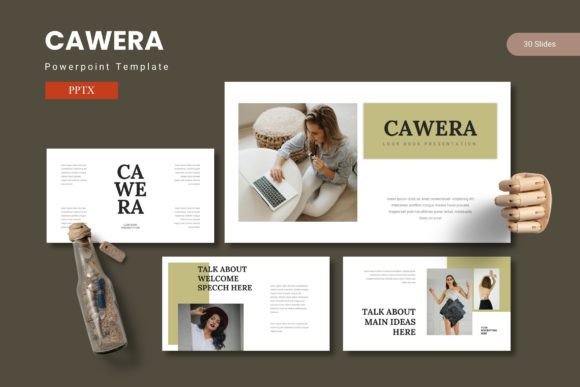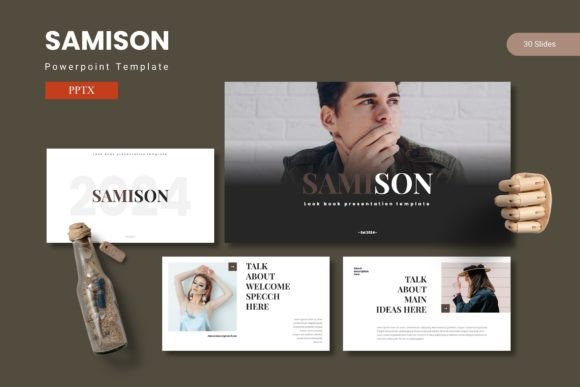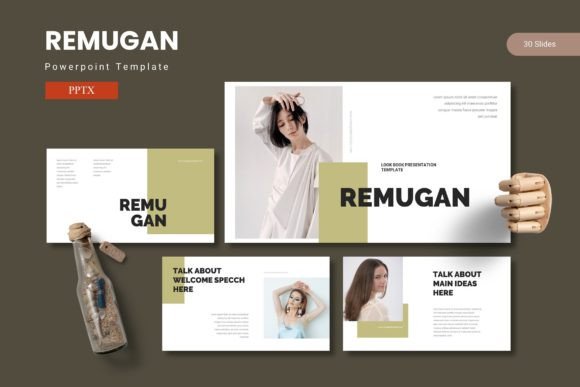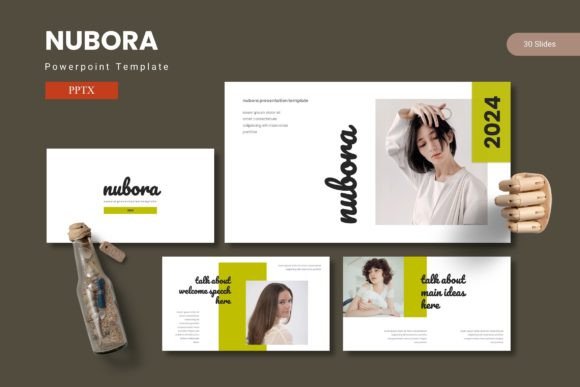
Emunora - Powerpoint Template
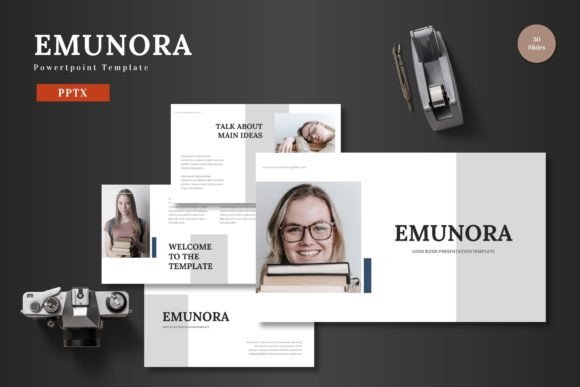
Finding a design asset that is both visually striking and incredibly easy to use can feel like a rare win. The Emunora - Powerpoint Template is one of those finds that immediately streamlines the creative process, offering a polished foundation for a wide range of presentations. It’s designed for professionals and creators who need to build impactful slides without wrestling with complex software.
What makes this template stand out is its blend of clean, scalable design and practical functionality. All elements are editable directly within PowerPoint, eliminating the need for additional graphic design tools. You can input your content, swap images using simple placeholders, and adjust colors to match your brand identity with just a few clicks. This flexibility makes it a valuable asset for anyone looking to maintain a high-quality, professional presentation.
A Versatile Tool for Modern Projects
The Emunora template is built to serve a variety of business and personal needs. Its multipurpose nature makes it suitable for:
- Business Pitches & Proposals: Craft a compelling narrative for investors or clients with structured, animated slides.
- E-commerce & Product Promotion: Showcase products, features, and benefits in a clean, engaging format.
- Portfolio & Gallery Displays: Present creative work, case studies, or project milestones with pixel-perfect illustrations.
- Internal Reports & Training: Communicate data and processes clearly using handcrafted infographics and section breaks.
The inclusion of 150+ total slides across five premade color schemes provides immense variety. Each color variation offers 30 carefully designed slides, including section breaks, allowing you to mix and match to find the perfect aesthetic for your message.
Design Flexibility and Professional Polish
For those concerned with design consistency, Emunora is based on master slides. This ensures that every slide you create maintains a cohesive look, reinforcing your brand’s visual identity. The graphics are not only editable but also resizable, so you can adapt them to fit different layouts without losing quality.
The template also includes practical features like drag-and-drop picture placeholders and animated slides. These elements help transform a static presentation into a dynamic story, capturing and holding your audience’s attention. It’s an ideal solution for creating social media graphics, webinar decks, or educational materials that need to look polished and professional.
Tips for Choosing and Using Your Template
When selecting any design asset, including a template like Emunora, consider a few key points to ensure it meets your project’s needs:
- Check the Mood and Style: Does the template’s clean, modern typography align with your brand’s personality? Ensure the visual tone matches your project, whether it’s corporate, creative, or educational.
- Test the Workflow: Since Emunora is designed for use in PowerPoint, confirm that you are comfortable with the software’s editing tools. The template’s strength lies in its accessibility within a familiar program.
- Review the Included Assets: Look at the variety of slide types—infographic slides, portfolio layouts, and section breaks—to see if they cover your presentation’s structural needs.
- Understand the License: For commercial use, always verify the license. This template is ready for both business and personal projects, giving you creative freedom.
Investing in a well-structured template like Emunora - Powerpoint Template is about more than just aesthetics; it’s about efficiency and impact. It provides a robust framework that lets you focus on your content and message, confident that the visual foundation is solid, scalable, and ready to present to the world.